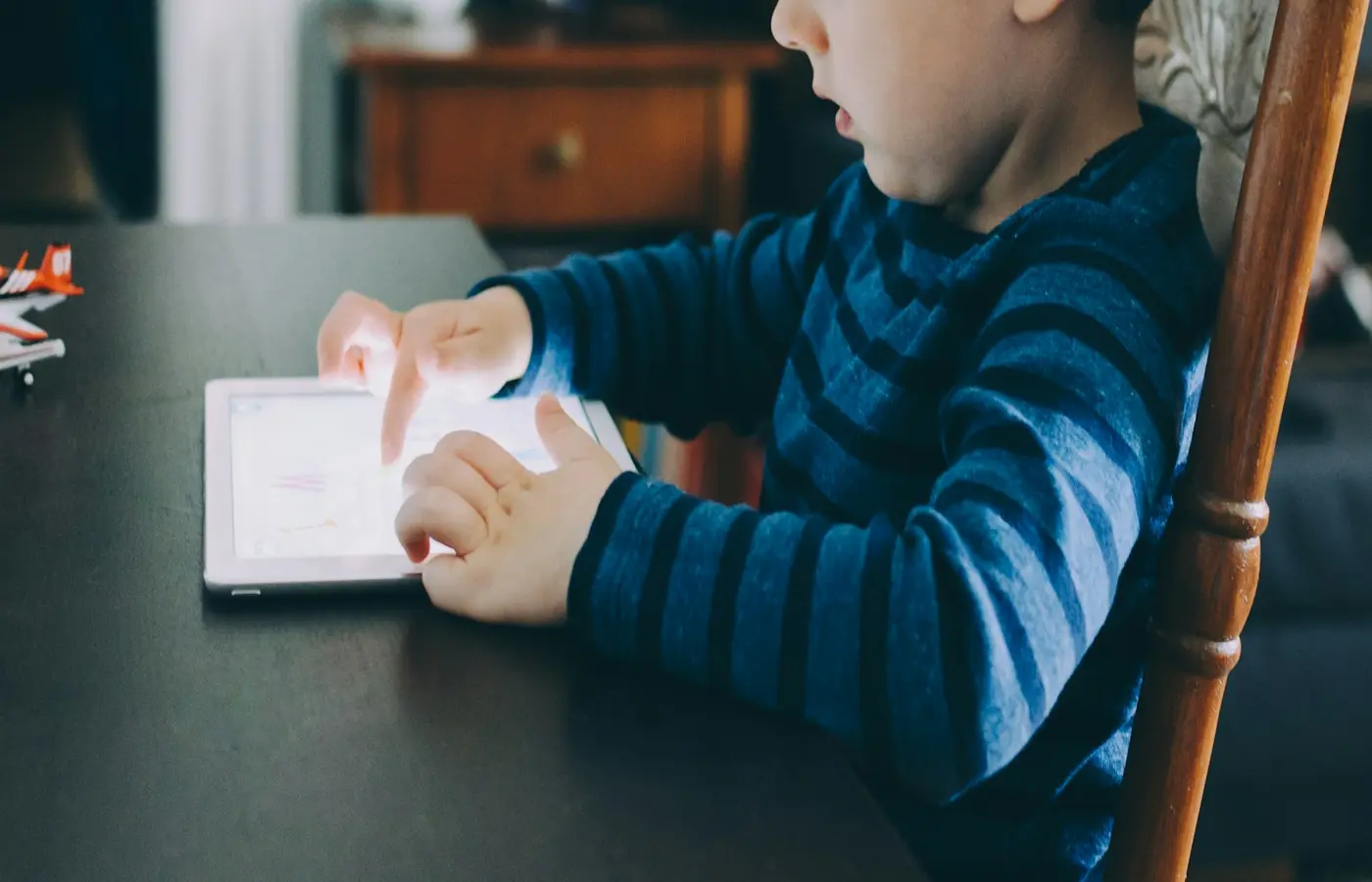
A toy that needs an app can be a good fit when the connected feature adds something your child actually wants to do—and when the adult work behind it feels manageable. Before buying, check the toy’s age grade and instructions first, then find out what happens when the phone, tablet, Wi-Fi, account, or app is unavailable.
The useful question is not simply, “Does this toy have an app?” It is: “What will my child be able to do with it on an ordinary Tuesday, and what will I need to keep doing for it to work?”
App-connected toys range from physical toys with a small optional digital extra to products whose main features depend on an account, internet connection, microphone, camera, or continuing software support. The box alone may not make that distinction clear. For any toy you are considering, use the exact model’s instructions, support pages, app-store listing, privacy notice, and current age warning—not a retailer’s category label or a review—to confirm the details.
Start with the play, not the app feature
Begin with the child and the activity they enjoy. Are they carrying figures around the house, making up stories, collecting things, building, moving, talking, drawing, playing games, or taking objects apart and putting them back together?
Then ask what the app changes.
A connected feature may support the play by letting a child hear a story, control a vehicle, make music, take photos, or add a new game challenge. It may also mostly move the activity onto an adult’s device, with setup, logins, prompts, purchases, and troubleshooting becoming part of the experience.
The U.S. Federal Trade Commission’s consumer guidance suggests looking closely at what an internet-connected toy actually does, what features it includes, and whether parents can be involved in setup and management. That is a useful starting point because “connected” can mean very different things from one toy to another. A toy may connect only to a nearby device, or it may send information through the internet and rely on a user account.
Some AI-powered toys can hold conversations, respond to questions, imitate emotions, record voices or images, remember information from interactions, or connect to apps and the internet, according to NSW Government guidance on AI toys. Those features may be central to the toy’s appeal, but they also deserve more careful family decisions than a toy with a simple remote control.
A practical first test: describe the toy without using the words “app,” “AI,” “smart,” or “interactive.” If the description still sounds like something your child would enjoy doing, the physical toy may have a clear role. If the appeal disappears, you may be looking at a digital service packaged with an object rather than a toy that stands on its own.
Check what still works when the app is closed
Before you buy, find out whether the toy has meaningful use without an active app. This is not a rule that every toy must pass. Some children may genuinely enjoy a product whose main activity is app-based. But the answer helps you judge whether its value fits the cost, space, and upkeep in your home.
Look for clear answers to these questions in the manufacturer’s documentation for the exact product and market:
- Can the toy be played with without Wi-Fi?
- Does it need Bluetooth, an internet connection, or both?
- Is an app required for first setup only, or every time the toy is used?
- Does it need an adult’s phone or tablet nearby?
- Is a login or child account required?
- Can the toy still perform its basic physical functions if the app is removed?
- Does it require online updates before it can be used?
- Are there buttons, cards, pieces, movement, stories, building materials, or other child-facing activities that remain available offline?
“Offline” is not a universal feature. A toy may work without Wi-Fi but still require Bluetooth and a compatible device. Another may play basic sounds without an app but reserve games, content, or controls for an account. Do not assume from the product category that a toy will work in any particular way.
Try a simple value test: imagine the app is unavailable for a week because the tablet is charging, an update fails, your family is traveling, or a caregiver does not want to hand over their phone. Would the child still have something worthwhile to do?
For a toddler or preschooler, that might mean pushing, rolling, dressing a doll, placing pieces, making up a story, or using a toy’s physical controls. For an older child, it could mean building, drawing, playing a tabletop game, or using a device feature that works locally. The answer does not need to be “yes” for every family. It simply should be clear before the toy arrives.
Count the ongoing work, not just the unboxing
A connected toy can create a small recurring household job. That may be perfectly manageable, but it is worth counting honestly before a gift becomes another item waiting for an adult password or cable.
Charging and batteries
Check whether the toy uses replaceable batteries, a rechargeable battery, or both. Read the instructions for charging method, cable type, charging location, and battery warnings. If a toy needs regular charging, think about where it will live between uses and whether the cable is likely to stay available.
A charging routine can work well for a child who enjoys a toy often. It can be frustrating when the toy is mainly wanted in quick, spontaneous moments and is frequently out of power. If the product uses button or coin batteries, follow the manufacturer’s warnings carefully and keep spare batteries stored securely; these batteries can be hazardous if swallowed.
Devices and updates
Check the current app listing and official support information for compatible operating systems and devices. A family may own a tablet or phone today that works with the app, but compatibility can change after operating-system updates. An app-store listing can also show whether an app lists in-app purchases or subscriptions, although you should confirm the terms in the manufacturer’s own documentation.
Consider the practical questions too:
- Which adult device will run the app?
- Can more than one caregiver manage it?
- Does it work on the devices your family actually uses?
- Will a child need help connecting it each time?
- Are updates optional, recommended, or required for core use?
- Is there enough device storage for the app and future updates?
The FTC’s connected-toy checklist specifically encourages caregivers to examine parent controls, setup and management options, and default settings. Those details can matter as much as the toy’s advertised activities.
Subscriptions, purchases, and accounts
Do not assume that buying the toy includes all of its content indefinitely. Some products may have optional add-ons; others may require a subscription or account for features that are central to use. Confirm the current terms for the specific product before purchase.
Look for:
- A free trial that later converts to a paid plan
- Monthly or annual subscriptions
- Downloadable content, tokens, or in-app purchases
- Features available only after account registration
- Limits on the number of profiles or linked devices
- Whether an adult can turn off purchasing or restrict access
A subscription is not automatically a reason to avoid a toy. It is a reason to decide in advance whether the ongoing cost and account management suit your family. If the subscription ended tomorrow, would the remaining toy still feel like an acceptable purchase?
Read privacy choices before creating a child account
For a connected toy, privacy is part of the setup—not a page to rush past after a child is already excited to begin.
The FTC advises parents to ask whether a toy has a camera or microphone, what it records, whether an adult will know when it is active, whether it can connect to email or social-media accounts, and what information it collects and how that information will be used.
Before creating an account, try to answer these questions from the manufacturer’s current privacy notice, child privacy notice, permissions prompts, and account settings:
- Does the toy have a microphone, camera, location feature, or voice recognition?
- What information can it collect: a name, age, voice recording, image, location, usage information, or something else?
- When does collection occur: only after a button press, during an activity, in the background, or whenever the toy is connected?
- Is information stored on the device, in the app, or sent to company servers or other service providers?
- Who processes the information?
- Can an adult review, download, delete, or correct account information?
- Can the toy connect to other people, email, social media, messaging, or public sharing?
- What happens to information when an account is closed?
The UK Information Commissioner’s Office says connected-toy privacy information should make clear who processes personal information transmitted through the network and what their responsibilities are. That guidance concerns UK data-protection expectations, but the underlying family question is useful anywhere: can you understand where the information goes and who handles it?
The eSafety Commissioner also notes that smart toys and related accounts can store personal information, and that built-in cameras and microphones may record video or audio. This does not mean every connected toy records the same information or creates the same level of risk. It means the exact toy’s capabilities and settings deserve a direct check.
A privacy policy cannot make a product risk-free. It can, however, help you make an informed choice about whether the data practices, controls, and trade-offs are acceptable for your household.
Set boundaries that fit your home
Once you choose a connected toy, a few setup choices can reduce surprises. The right boundaries will vary with the toy, your child’s age and habits, and how much adult involvement is realistic.
Consider these practical defaults:
- Review app permissions before accepting them. Only allow permissions that make sense for the feature you intend to use.
- Use an adult-managed account where the product offers one.
- Keep passwords, account-recovery details, and payment methods with adults.
- Review default settings, including sharing, messaging, location, camera, microphone, and purchase options.
- Decide where a toy with a microphone or camera can be used. A common room may feel more comfortable than a bedroom or bathroom.
- Avoid linking social-media, email, or messaging features unless you have specifically decided they are appropriate and understand how they work.
- Revisit settings after app updates, especially if new permissions or features appear.
These are management choices, not guarantees. A parent control may limit a particular function, but it does not replace understanding what the product can collect, transmit, or store.
It is also fine to simplify. You might use a connected toy only in a shared room, reserve it for adult-and-child play, or decide that a feature requiring a personal profile is not worth using. A child does not need every advertised mode for the toy to be enjoyable.
Plan for a changed app—or a discontinued service
Physical toys can wear out. Connected toys can also change when an app is redesigned, a device operating system changes, a subscription changes, or a company ends support. Unless the manufacturer makes a specific commitment for the exact product, do not assume that servers, app compatibility, security updates, or account access will continue for a set number of years.
Before purchasing, check the manufacturer’s available support materials for:
- Current instructions and troubleshooting help
- App update history or current version information
- Subscription and cancellation terms
- Return terms for the retailer and manufacturer, where applicable
- Account deletion instructions
- Whether information can be downloaded or exported before deletion
- Any stated policy about support, updates, or discontinued services
Internet Matters recommends reviewing updates and changes that may affect play. That is especially relevant for toys that depend on online content, a companion app, or a company account.
You cannot fully plan for every future change. You can choose a toy whose remaining use would still feel reasonable if the connected service became less convenient. A robot that can still be played with physically, a craft device that can still make things, or a game with some local play may leave more room for adaptation than an object whose only purpose is to access a remote service.
A quick family decision rule
An app-connected toy is more likely to fit your home if you can say yes to most of these statements:
- The child-facing activity is appealing even after you set aside the marketing language.
- The manufacturer’s age grade, warnings, and instructions fit the child and the supervision you can provide.
- You understand what requires the app, account, Wi-Fi, Bluetooth, and adult device.
- The toy has enough useful play value for your family when the app is closed—or you are comfortable with its digital dependence.
- Charging, updates, storage, setup, and cleanup feel realistic.
- Any subscription, in-app purchase, or account requirement is clear and acceptable.
- You understand the camera, microphone, sharing, and data practices well enough to make a deliberate choice.
- The toy would not feel like a useless object if an app changes or support ends.
If several answers are unclear, pause rather than guessing. Ask the manufacturer, read the documentation again, or choose a simpler toy that does the activity your child wants without adding a service to manage. The best connected toy is not necessarily the most advanced one; it is the one whose play, maintenance, and privacy trade-offs make sense for your family.
Sources and research note
This guide is general decision support rather than documentation for one specific toy. App requirements, subscriptions, compatibility, data collection, and offline functionality vary by model, market, app version, and settings. Check the current official materials for the exact product before buying or setting it up.
- Federal Trade Commission: What to ask before buying internet-connected toys — U.S. consumer guidance on toy features, parent controls, cameras, microphones, data collection, and default settings.
- NSW Government: Safe use of AI toys — Australian guidance on AI toy capabilities and possible privacy considerations.
- UK Information Commissioner’s Office: Connected toys and devices — UK guidance on clarity around personal-information processing for connected toys and devices.
- eSafety Commissioner: Smart toys — Australian family guidance on smart-toy accounts, personal information, microphones, and cameras.
- Internet Matters: Smart toys and wearable gadgets for children — practical guidance on reviewing data collection and changes that may affect connected play.