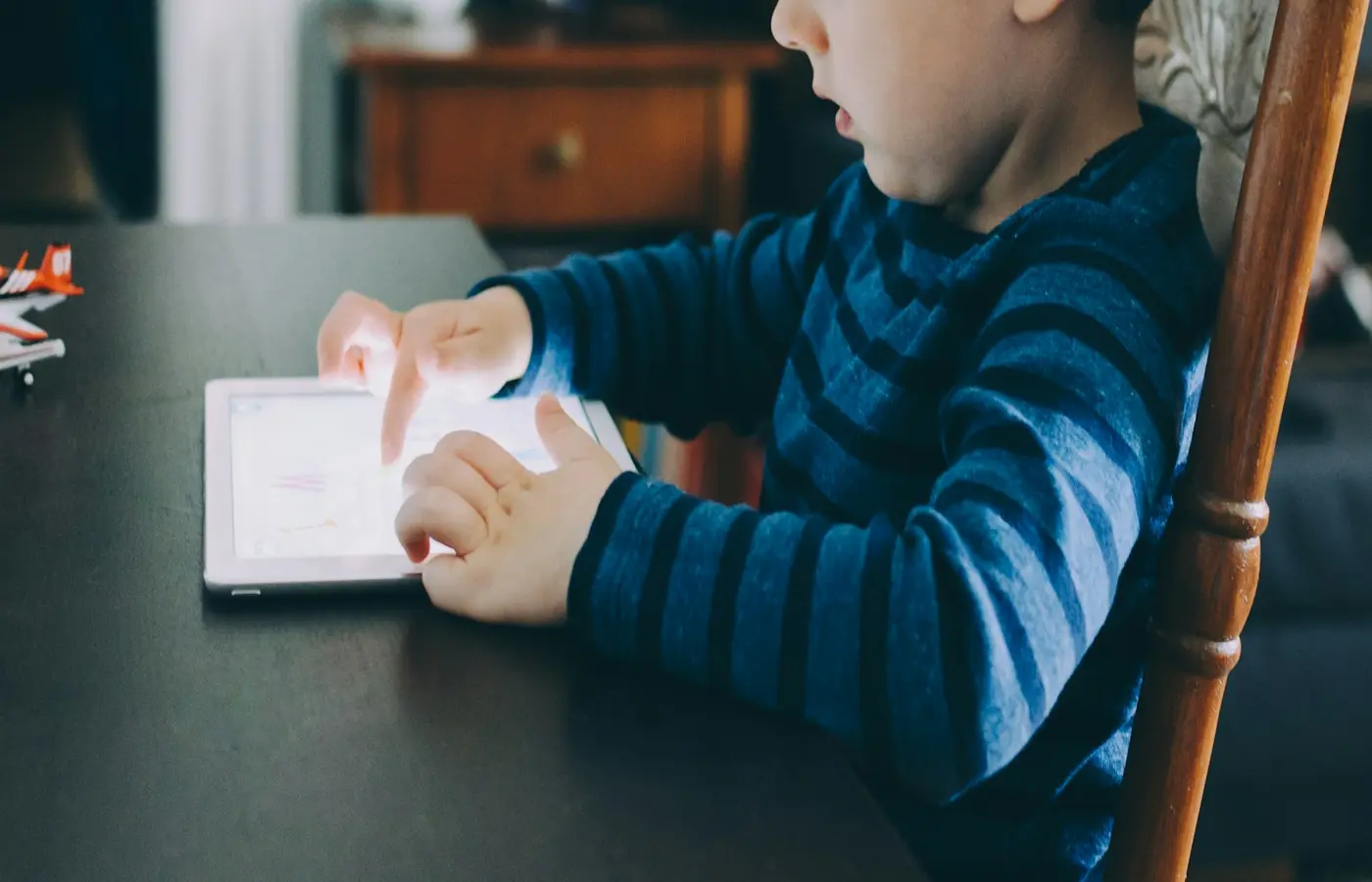
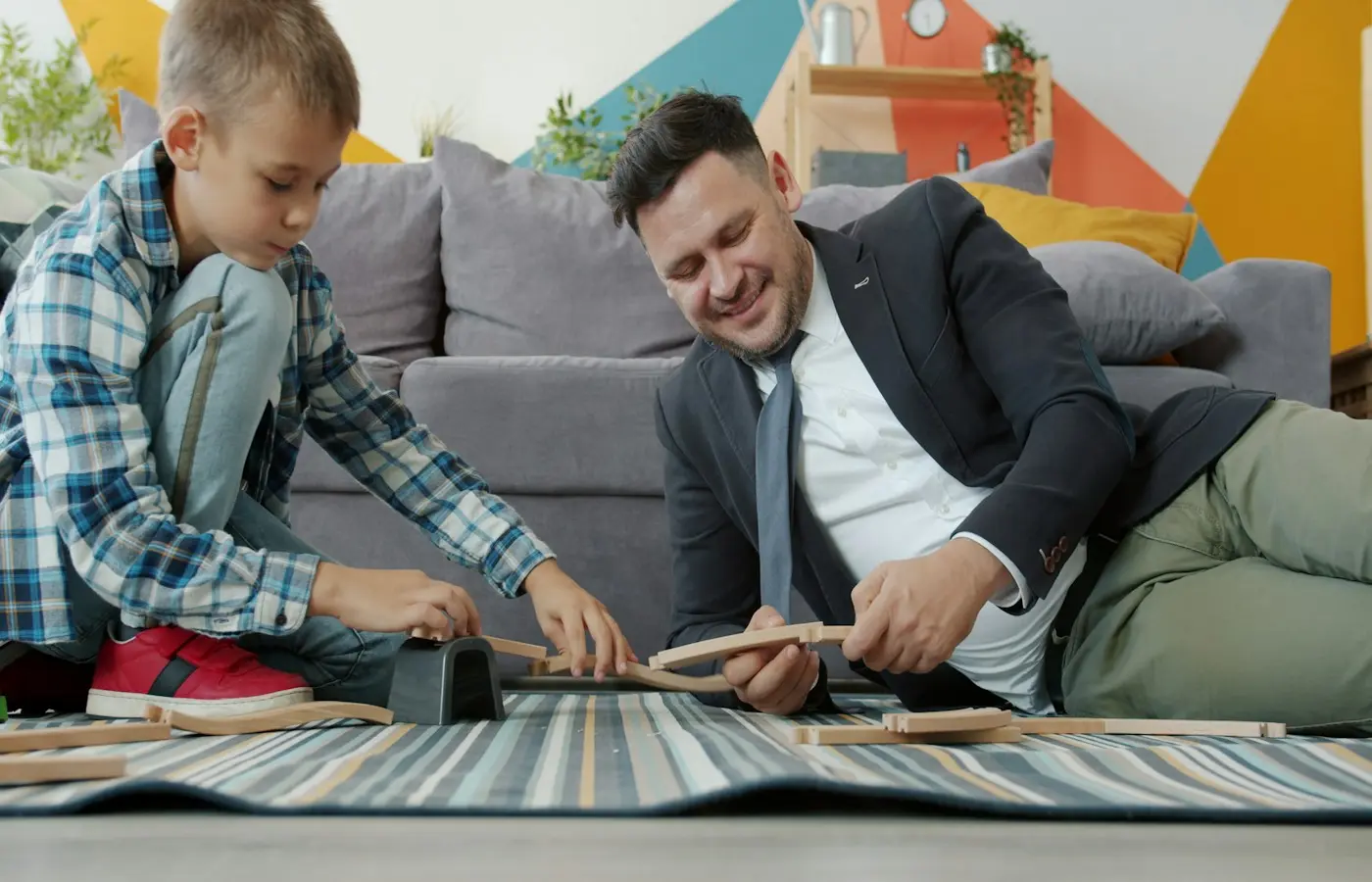
An app-connected toy can be a good fit when the child’s play, the household’s technology, and the ongoing commitment all line up. The key question is not whether the toy is “smart.” It is what your child can actually do with it—and what you will need to keep doing after it comes home.
Before buying, find out whether the toy still works without Wi-Fi, a nearby adult phone, an account, or an active subscription. Then check what information the companion app collects, what controls you can use, and whether the setup work feels reasonable for your family.
A connected feature is not automatically a problem or a benefit. It is simply part of the toy’s real-world use. For some families, a simple app for setup or occasional updates may be manageable. For others, a toy that needs a parent’s device for everyday play may create more interruptions than enjoyment.
Start with the play, not the app features
Begin with a plain description of what your child would do after the toy is out of the box. They might move a character, care for a creature, answer prompts, build something, play a game, listen to stories, make recordings, or control a robot.
Then ask: would that activity still feel worthwhile if the connected features were less exciting than expected, temporarily unavailable, or eventually changed?
This helps separate the toy’s play value from its technology. A child may enjoy pressing buttons, making up stories, arranging pieces, or repeating a favorite game without needing an app at every stage. Another toy may put its central activity behind a login, a device connection, or a paid content plan. Neither arrangement is universally right; they ask different things of the household.
The U.S. Federal Trade Commission recommends that caregivers understand a connected toy’s features before buying, including whether it has a microphone or camera, allows email or social-media connections, and lets parents take part in setup and management. Its consumer guidance is a useful starting point for questions to bring to an exact product page or instruction manual.
It also helps to use “connected” broadly. The NSPCC explains that internet-connected toys and devices may connect through Wi-Fi, Bluetooth, or a physical connection such as USB. They may send and receive data, respond to voice commands, connect with other devices, or be controlled remotely through a smartphone app. See the NSPCC’s overview of internet-connected devices.
A quick distinction worth making
Before comparing toys, identify which of these descriptions fits the exact model:
- The app is optional. The toy can be played with normally, while the app offers setup, updates, extra content, or a way for an adult to manage settings.
- The app is needed for setup. An adult may need an app or account to activate the toy, connect it, adjust settings, or install updates.
- The app is part of ordinary play. The child may need the app, a connected device, or an adult’s help to use the main activity.
- A subscription unlocks some or all content. The toy may physically work, but stories, games, features, or new material may depend on a continuing plan.
Do not assume a toy falls into any one category because it is called “smart,” “interactive,” or “educational.” Offline function, account requirements, subscription terms, and compatible devices are product-specific details. Check the current documentation for the exact model and version you are considering.
Check what still works without Wi-Fi, a phone, or a paid plan
A toy can be technically functional and still be frustrating in ordinary family life. Think through your home’s routines rather than assuming that a connection will always be available.
For example, you may prefer that a child can carry a toy from room to room, use it during travel, or play while an adult is on a call. You may not want a child to need your phone every time they want to start a game. If the household Wi-Fi goes down, you may want the toy to remain a toy rather than becoming an unavailable screen accessory.
Before purchase, look in the manufacturer’s current instructions, support pages, app listing, terms, and subscription information for clear answers to these questions:
- Can the toy be used after initial setup without Wi-Fi?
- Does it require Bluetooth to a phone or tablet during play?
- Is a parent account required, and can one account work across devices if needed?
- What happens if the household internet connection is unavailable?
- Which features work without a subscription, and which features stop when a plan ends?
- Can the child use the main feature independently, or must an adult unlock, connect, or supervise it each time?
- Does the companion app require a specific operating system, device type, or storage space?
- Is there a clear way to use the toy without signing into services that are not needed for your family?
The answer may be a comfortable “yes” for your household. A family that already shares a tablet for supervised use may be fine with app-based play. Another family may decide that a toy needing a regularly available adult device is not a good match right now.
The FTC’s guidance emphasizes reviewing features, parent-management options, and default settings before use. This matters because connected devices can send and receive information or be controlled through linked devices, as the NSPCC notes. The connection itself is part of the toy’s setup and day-to-day conditions—not a detail to leave until after the box is opened.
Can a child use an app-connected toy without Wi-Fi?
Sometimes, but only if the exact toy’s documentation says so. Some toys may work after an initial download or pairing step; others may need a live internet connection, an app connection, or a subscription for key features. Do not rely on a product category name, retailer filter, or app-store listing to answer this.
If offline play matters to your family, make it a purchase requirement: choose only a model whose current official documentation clearly explains what works without Wi-Fi and without an adult phone nearby.
Add up the ongoing cost and adult work
The price on the box is only one part of the decision. A connected toy may also involve a subscription, a device your child can access, charging or replacement batteries, storage space for an app, software updates, account recovery, password management, and occasional troubleshooting.
None of those tasks is necessarily a reason not to buy. But they are household work, and it is easier to choose them deliberately than discover them during a rushed setup or a disappointed morning.
Try a small “continuing use” check before purchasing:
- Name the recurring commitment. Is there a subscription, paid content, cloud storage plan, replacement accessory, or other continuing expense? Read the current terms for the exact product rather than assuming all connected toys work alike.
- Name the adult job. Will you be comfortable handling updates, account settings, forgotten passwords, app permissions, and connection problems when they arise?
- Name the device boundary. Decide whether the toy can use a family device, needs a child-specific device, or should only be used with an adult nearby.
- Name the stopping point. If you cancel a plan or stop using the app, what remains useful? A clear answer can make a purchase feel less precarious.
Internet Matters advises caregivers to consider whether a connected toy receives security updates and whether the family must keep up with them. Its guide on smart toys and wearable gadgets also suggests starting together and supervising as a child becomes more independent.
A practical selection rule is simple: choose only the level of ongoing expense and adult management you would feel comfortable continuing. A toy does not need to entertain a child independently to be worthwhile. But it should not repeatedly create a burden you did not mean to take on.
What happens if I cancel a toy subscription?
That depends on the specific product and plan. A subscription might affect only optional content, or it might limit access to central features. Before signing up, read the current subscription details and cancellation terms for the exact model. Look for a plain explanation of what remains available after cancellation, whether saved content can still be accessed, and whether an account is still needed.
If those answers are difficult to find or understand, it is reasonable to pause and choose a toy with a clearer ongoing arrangement.
Read the privacy details before creating a child account
A companion app may ask for information before a child has played with the toy even once. Take a few minutes to review the privacy notice, account choices, and app permissions before entering a child’s details.
The FTC advises asking what information a smart toy collects; where pictures, recordings, and other data are stored; how information is shared; who can access it; whether a parent can view or delete it; and how it is secured. Those are practical questions, not technical ones.
The Australian eSafety Commissioner notes that smart-toy accounts may store personal information such as a child’s name, age, and gender and, in some cases, location. It also notes that built-in cameras and microphones may record video or audio. Read its smart toys guidance for a family-focused overview.
Use this pre-account checklist:
- Does the toy or app include a microphone, camera, voice recording, photo feature, or location-related function?
- What information is requested to create an account, and is every requested field necessary for the feature you want to use?
- Which app permissions are requested, such as microphone, camera, photos, contacts, Bluetooth, or location?
- When does the toy collect information: only during a chosen activity, whenever it is switched on, or under another condition?
- Is information kept on the toy, stored in the app, or sent to another service?
- Can a parent see, download, or delete account information and recordings?
- Does the privacy information explain who processes the information and what each organization’s role is?
- Are there settings to limit sharing, messages, social connections, or other interactive functions?
The UK Information Commissioner’s Office says privacy information for connected toys and devices should make clear who processes personal information transmitted through the network connection and what their responsibilities are. That guidance concerns UK data-protection expectations, so it should not be read as a statement of rules everywhere. Still, it offers a helpful question for any family: can you tell which organizations handle your child’s information? See the ICO’s connected toys and devices guidance.
What permissions should I check before installing a toy’s app?
Check every permission the app requests and ask what feature it enables. A microphone permission may relate to voice play; Bluetooth may be needed to connect to a toy; camera or photo access may support a particular activity. If a permission does not make sense for the feature you plan to use, look for an alternative setting, contact the manufacturer, or choose not to install the app.
Permissions and privacy practices can change with app updates. Reviewing them once is useful; checking again when a major update changes the app is sensible too.
Do smart toys collect recordings or location information?
Some can, particularly models with microphones, cameras, accounts, or location-related features. Others may not. The presence of a wireless connection does not establish what a particular toy collects. Verify the exact model’s current privacy notice, app permissions, instructions, and account settings before use.
Set up connections and controls with an adult first
Treat first setup as an adult task, even if the toy is intended for a child to enjoy independently later. This creates time to understand the controls before a child is waiting to play.
The Ohio Attorney General advises families considering technology toys to understand interactive features such as cameras, microphones, and internet connectivity; learn the default settings; and familiarize themselves with available parental controls. Its consumer guidance also recommends checking age appropriateness.
During setup, consider these steps:
- Read the official age grade, warnings, charging instructions, and supervision guidance for the exact toy separately from the app’s age label.
- Install available updates before handing the toy over, if you decide to use it.
- Review default settings and turn off features your household does not want to use, where settings allow.
- Set up parental controls offered by the product, understanding that controls are tools rather than guarantees.
- Choose where the toy may be used, especially if it has a camera, microphone, location-related feature, or remote connection.
- Explain in simple terms what the connected feature does. For example: “This toy talks to the tablet,” or “We ask before we send a recording.”
- Return to the settings if the child’s use changes, such as when they begin using a feature more independently.
The NSPCC notes that risks associated with connected devices may be more likely when devices are not set up properly. That is a reason for calm preparation, not alarm. You do not need a perfect technical system. You do need enough clarity to decide what your child can use, where, and with what support.
Decide whether the connected toy fits this child and home
A connected toy is more likely to fit when its main play is clear, its setup is manageable, its ongoing costs are understandable, and its data practices and controls make sense to you.
It may be worth pausing—or choosing a simpler alternative—when any of these are true:
- The child cannot use the main feature without regular access to an adult’s phone or account, and that does not suit your routines.
- The subscription arrangement or cancellation outcome is hard to understand.
- The privacy notice does not clearly explain what information is collected, where it goes, or how a parent can manage it.
- The available controls do not match the level of supervision you want to provide.
- The central play value disappears if a service, app, or connection changes.
- The toy’s official age grade, warnings, instructions, or device requirements do not fit your child or home.
You do not need to rule out every toy with an app. You can choose the version of connected play that leaves room for ordinary family life: a toy that still invites building, pretending, caring, moving, listening, or making without requiring a fresh adult intervention every time.
Before purchasing or opening an account, complete the checklist for the exact model in front of you. If you cannot get a clear answer about play without the app, subscription terms, privacy choices, or parent controls, that uncertainty is useful information—not something you need to solve by buying first.
Sources and research note
This guide draws on consumer-protection, child-safety, and privacy guidance. These sources describe questions families can ask; they do not establish the offline function, subscription terms, permissions, age grade, warnings, or data practices of any specific toy.
- U.S. Federal Trade Commission: What to ask before buying internet-connected toys
- UK NSPCC: Internet connected devices
- Internet Matters: Smart toys and wearable gadgets for children
- UK Information Commissioner’s Office: Connected toys and devices
- Australian eSafety Commissioner: Smart toys
- Ohio Attorney General, United States: Tech toys for kids raise privacy, safety concerns
Before buying, verify the exact product’s current manufacturer instructions, age grade, warnings, app permissions, privacy notice, support policy, compatible-device requirements, offline functionality, and subscription terms. These details can vary by model, market, app version, and service plan.