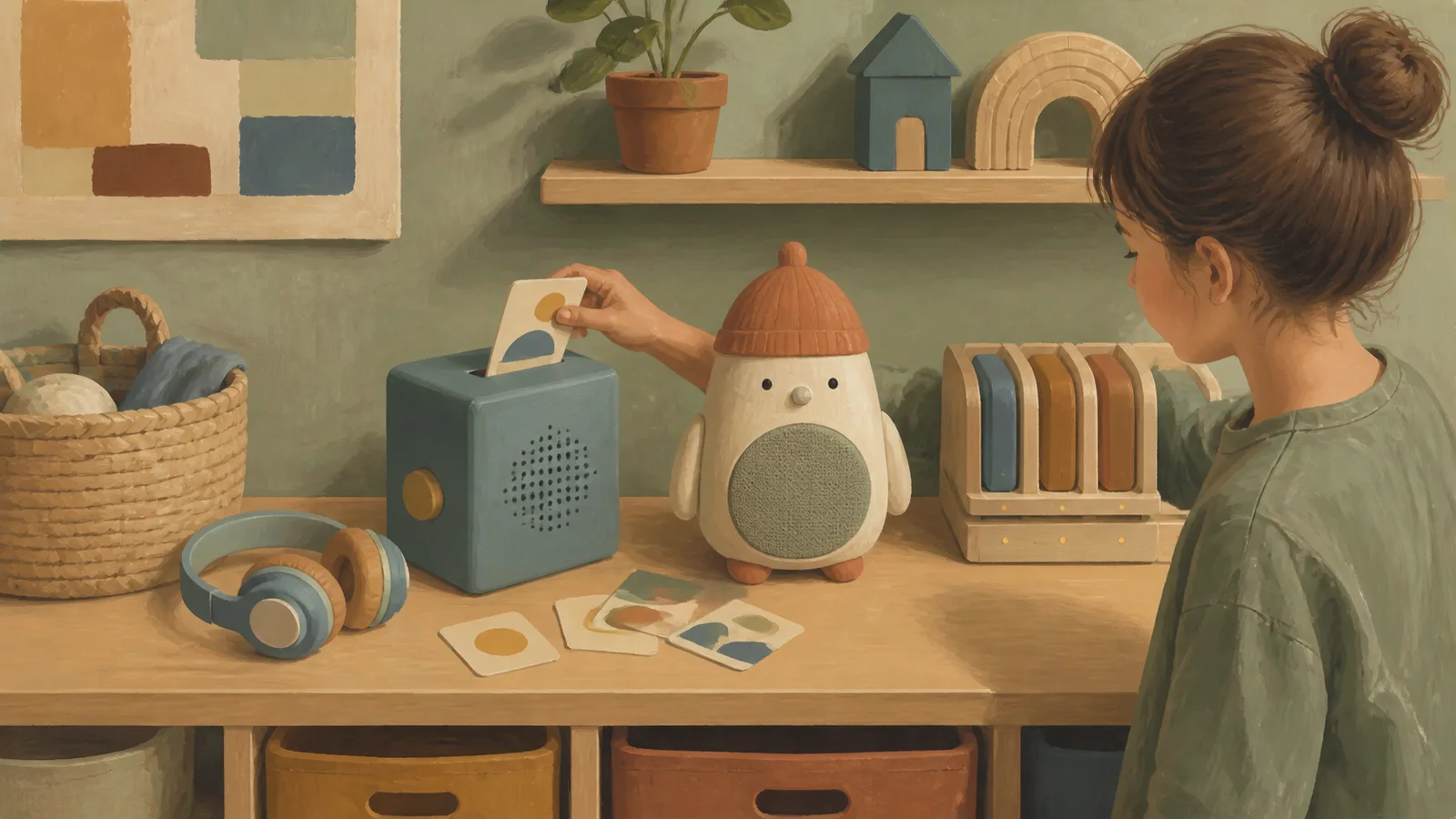
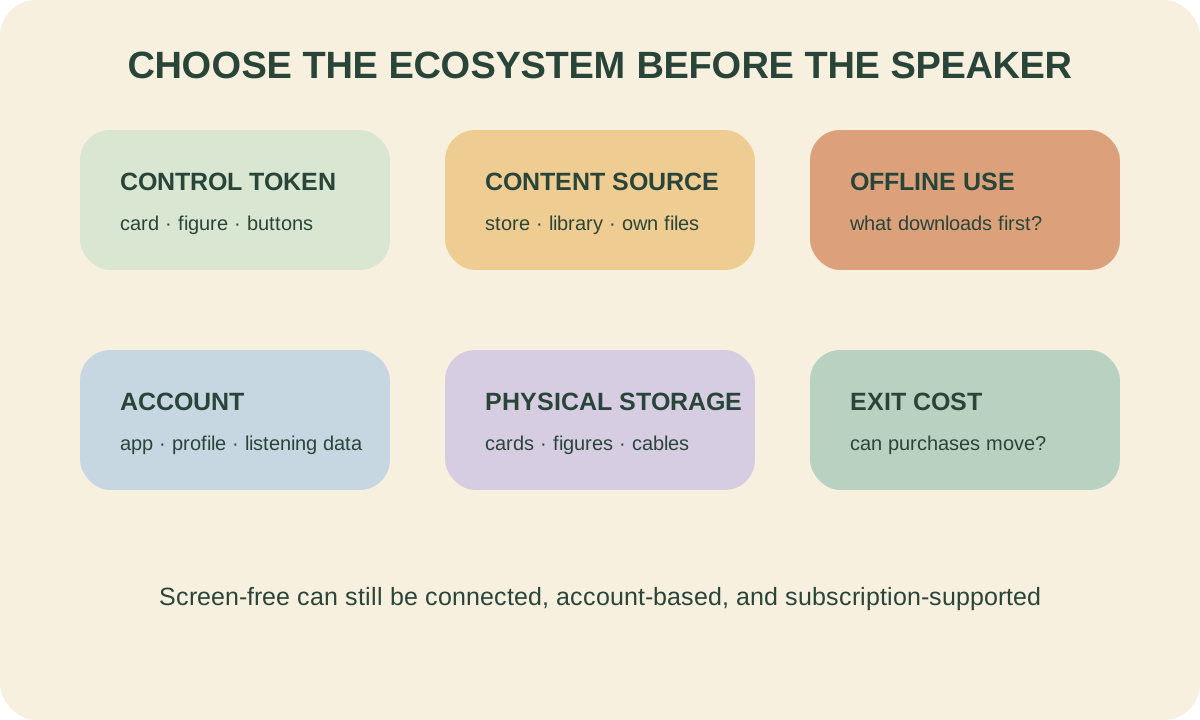
A children’s audio player is an ecosystem purchase. The lasting questions are how audio enters the library, whether it plays offline, who controls the account, how physical tokens are stored, what content costs over time, and whether the system still fits at age ten.
This guide uses current manufacturer specifications and public safety sources. LWT did not hands-on test these devices and does not rank a universal winner.
Choose a system model
| Model | Child controls | Strength | Trade-off |
|---|---|---|---|
| card ecosystem | insert a flat card | compact library, easy custom audio on some systems | cards can be lost; catalog/account dependency |
| figurine ecosystem | place a character on speaker | tactile and legible for young listeners | figures take space and may feel young later |
| library audiobook device | borrow supported books/device | lower ownership cost | availability, holds, return dates, less child control |
| basic MP3/Bluetooth speaker | buttons or paired adult device | open file/source flexibility | setup, browsing, and controls may depend on adult/screen |
| old phone in restricted mode | touchscreen/app | reuses hardware and supports many services | it is still a screen-connected general-purpose device |
The “best” model depends on who curates content and how independent use should be.
Current product facts: Yoto
The current Yoto Player (3rd Generation) is marketed for ages 3–12+ and uses physical cards. The company says current Yoto Player and currently sold Yoto Mini models include 32 GB storage, estimated around 700 hours of spoken-word audio; music uses more storage. Content generally needs to download while online before offline playback.
The full-size current Player lists room features and a pixel display in addition to audio. The display is not video, but families using a strict “no visual interface” definition should note it.
Model generation matters. Official support notes older Minis can have different storage. Do not copy one current specification onto a used device.
Current product facts: Toniebox 2
Toniebox 2 uses physical Tonies placed on the player. Official support says it is certified 1+ and provides selectable 1+ and 3+ modes through the app. In 1+ mode, playback while charging and tilt navigation are disabled. The device uses Wi-Fi, NFC, Bluetooth, an app, and USB-C charging according to current official materials.
The figurines make content selection concrete, but their volume, storage, and per-story granularity differ from cards. Ask whether an older child will want the catalog and object form several years later.
These facts can change. Check the exact regional product and support page before purchase.
Seven costs beyond the starter box
- Content: individual stories, albums, memberships, or subscriptions.
- Custom audio: whether blank/re-recordable tokens are included and how uploads work.
- Storage furniture: card binder, figure shelf, travel case.
- Replacement: lost tokens, cables, battery service, protective cases.
- Adult setup: Wi-Fi onboarding, downloads, accounts, app updates.
- Switching: whether purchased audio exports or remains in the platform.
- Time: curating content and managing what appears to each child.
Do not compare only the speaker price. A low-cost player with an ill-fitting library becomes expensive clutter.
Used-device and recall checklist
The CPSC recalled Yoto Mini speakers sold from November 2021 through April 2024 because the lithium-ion battery could overheat and pose burn/fire hazards; the notice was later reannounced with an updated remedy. Yoto’s support pages distinguish affected older units from the 2024 edition by serial number.
Before buying or accepting any used audio player:
- identify exact model, generation, serial, and region;
- search CPSC and manufacturer recall pages;
- verify any remedy was completed with the correct parts;
- inspect port, cable, battery swelling, heat damage, and enclosure;
- confirm account transfer/reset and content ownership;
- obtain current charging instructions; and
- never assume “replacement cable included” without documentation.
Charge on a firm, uncovered surface using specified equipment, away from bedding and heat. Do not treat a sleep timer as permission to place electronics loose in a child’s bed.
Privacy and connection questions
“No open internet browsing” differs from offline. Ask:
- Is Wi-Fi required for setup, downloads, or every playback?
- Does the adult app collect listening history or child profiles?
- Can microphones or Bluetooth be disabled?
- What happens if the company ends a service?
- Can custom recordings be downloaded and deleted?
- Can content be removed from a child-facing library without deleting a purchase?
Our educational-toy claims guide includes a broader data and subscription audit for connected products.
Hearing-safe use
WHO’s child safe-listening mode for personal audio systems uses a weekly exposure dose equivalent to 75 dB for 40 hours. Hearing risk depends on both level and duration; a claimed limiter does not make unlimited use safe.
Prefer speaker listening at a modest level in a quiet room. If headphones are used:
- choose a proper fit and verified limit;
- set volume with the adult account/device controls where available;
- take listening breaks;
- avoid raising volume to overcome travel noise;
- keep children aware of traffic and surroundings; and
- stop after ringing, muffled sound, pain, or discomfort and seek clinical advice.
For ordinary family music that does not require a device ecosystem, see music play for babies and music-lesson readiness.
Which type fits which family?
Choose cards when compact storage, custom audio, and an older-skewing library matter. Choose figures when tactile recognition and character-based browsing matter more than shelf space. Choose library borrowing when cost and variety outweigh instant ownership. Choose basic files/speaker when an adult is comfortable managing open audio and the child does not need token browsing.
For siblings, decide whether one shared account/player can handle separate favorites and sleep schedules. Buying two ecosystems doubles not only hardware but content management.
Frequently asked questions
Are Yoto and Toniebox truly screen free?
They avoid video-style child browsing, but current systems include visual indicators and depend on adult apps/connectivity for setup and management. Define the boundary your family needs.
Which lasts longer for older children?
Catalog, content format, physical token style, headphone use, and custom-audio support matter more than the starter age. Review current age-range content your child would actually choose.
Can they work without Wi-Fi?
Supported content can generally play after download, but setup and new downloads require connectivity. Confirm model-specific offline behavior and storage.
Is a used Yoto Mini safe?
Do not answer from appearance alone. Check its serial against official recall/remedy information and verify the remedy was completed before use.
Do these replace reading aloud?
They can expand independent listening and routines, but recorded narration does not replace responsive conversation or shared reading. Treat them as another format, not a developmental substitute.
Sources and research note
Product facts come from the current Yoto Player page, Yoto’s offline storage documentation, the official Toniebox 2 page, feature overview, and technical specifications. Recall guidance comes from the CPSC Yoto Mini notice and Yoto’s model-identification FAQ. Hearing guidance comes from the WHO safe-listening standard and AAP hearing tips. Specifications were reviewed August 12, 2026.